.png?width=120&height=121&name=CustomerHappy_V2%20(4).png)

One of the best methods to save time, increase productivity, and enhance your customer communication loop is to incorporate Gmail templates into your admin toolbelt.
Using Gmail templates is a great way to be at-the-ready, especially when it comes to asking for reviews.
They allow you quick, easy access to well-written email content that's ready for you to personalise if you need to.
But first, we'd better enable Gmail templates
- Click 'Settings'
at the top right of your inbox, then navigate to 'See all settings'.
- Click the 'Advanced' tab.
- Scroll down to the 'Templates' section and click 'Enable'.
- Don't forget to 'Save Changes' at the bottom of your settings.
How to create email templates in Gmail
- Start by clicking 'Compose' like you normally would when you send an email.
- In the Compose window, type your message.
- At the bottom/right of the Compose window, click the three vertical dots ⋮
- Select 'Templates', then hit 'Save draft as a new template'.
- Pop in the name of your new template, then click 'Save'.
How to insert an email template in Gmail
- Click 'Compose'.
- At the bottom/right of the Compose window, click the three vertical dots ⋮
- Hover over 'Templates' and hover and select the template you want to use.
- Simple!
How to delete an email template in Gmail
- Click 'Compose'
- At the bottom/right of the Compose window, click the three vertical dots ⋮
- Hover over 'Templates' then hover over 'Delete templates'.
- Select the template you want to delete.
- Bob's your uncle!

Get a free reputation audit
Schedule a 1:1 call today and discover how to win on trust.
Articles you might like
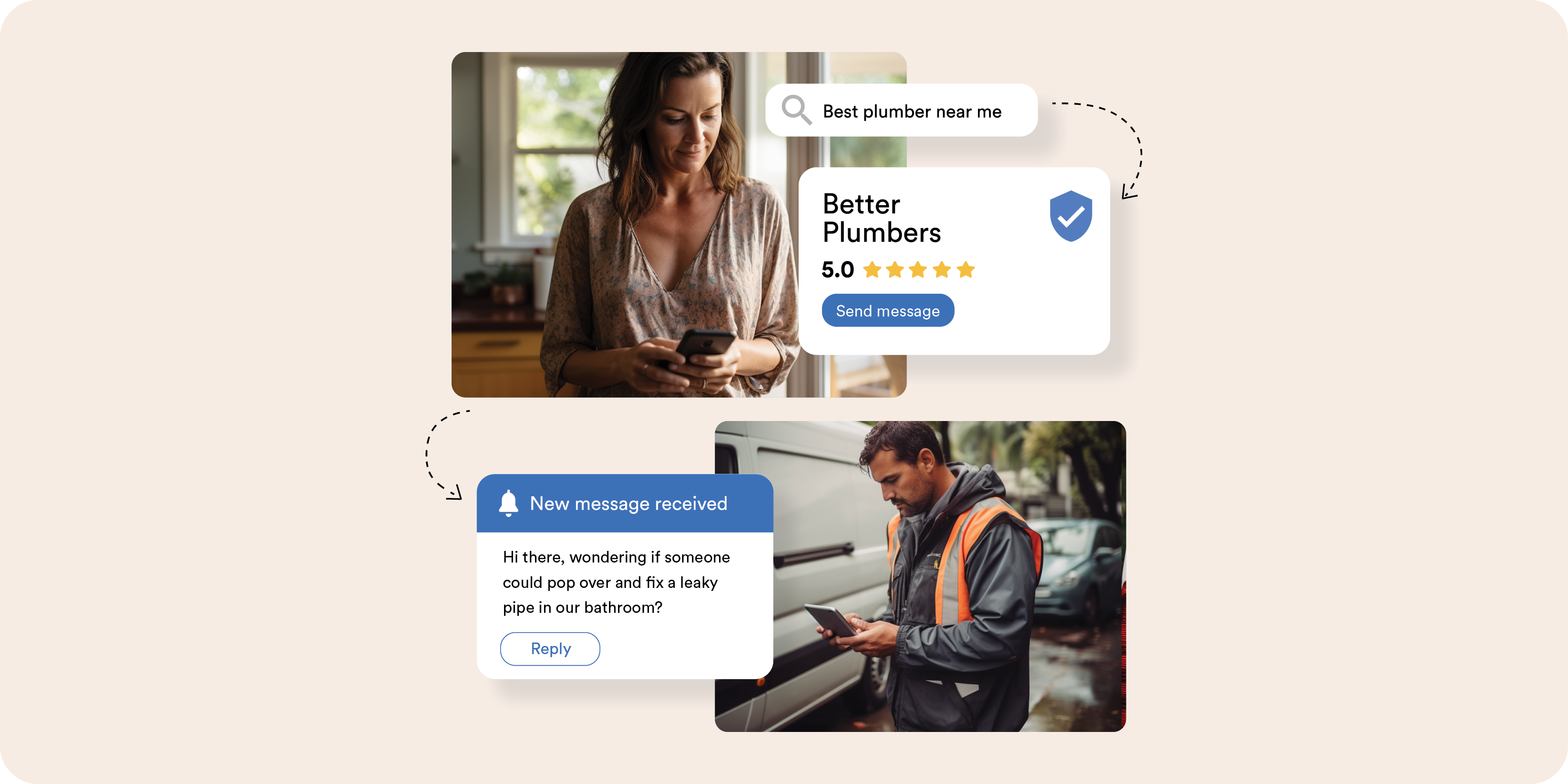
Leveraging Google Business Messages to increase customer engagement
Important note: As of July 31, 2024, Google Business Messages is no longer available. Google Business Messages, a feature of Google Business Profile (GBP), allows you to add a click-to-message ...
Read
Google Business Q&A: Send the right signals to Google and customers
In August 2017, Google introduced a powerful feature to its Google My Business (GMB) platform: Questions & Answers. Initially available only on Android devices, this feature expanded to all ...
Read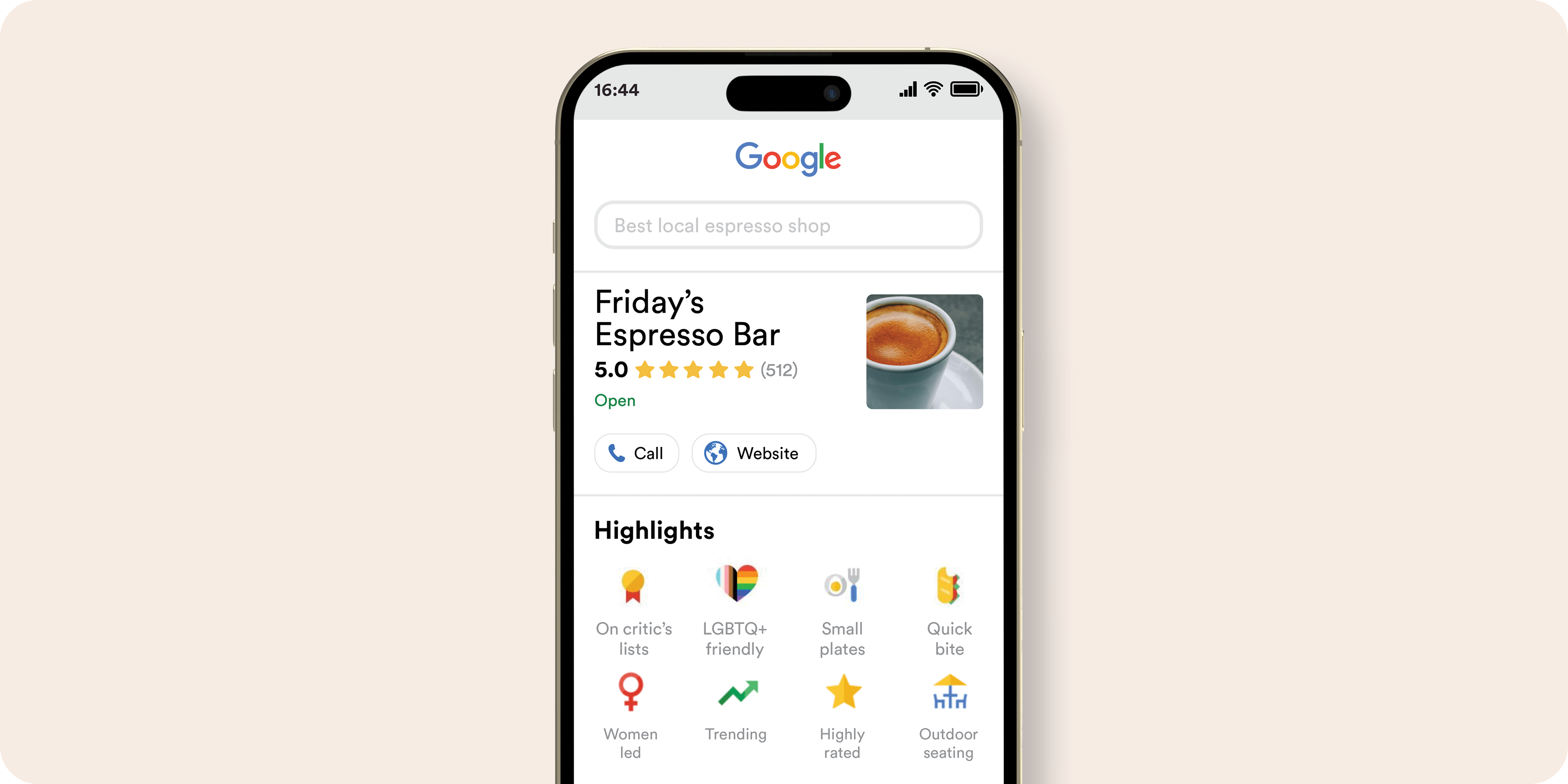
Your guide to Google Business Profile Attributes
Google Business Profile Attributes are essential descriptors that provide your customers with a better understanding of your business.
Read.png?width=768&height=591&name=TeamBrainstorm_Blue%20(1).png)