Since the launch of Reserve with Google, businesses have enjoyed the convenience of allowing customers to book their services directly through their Google listing.
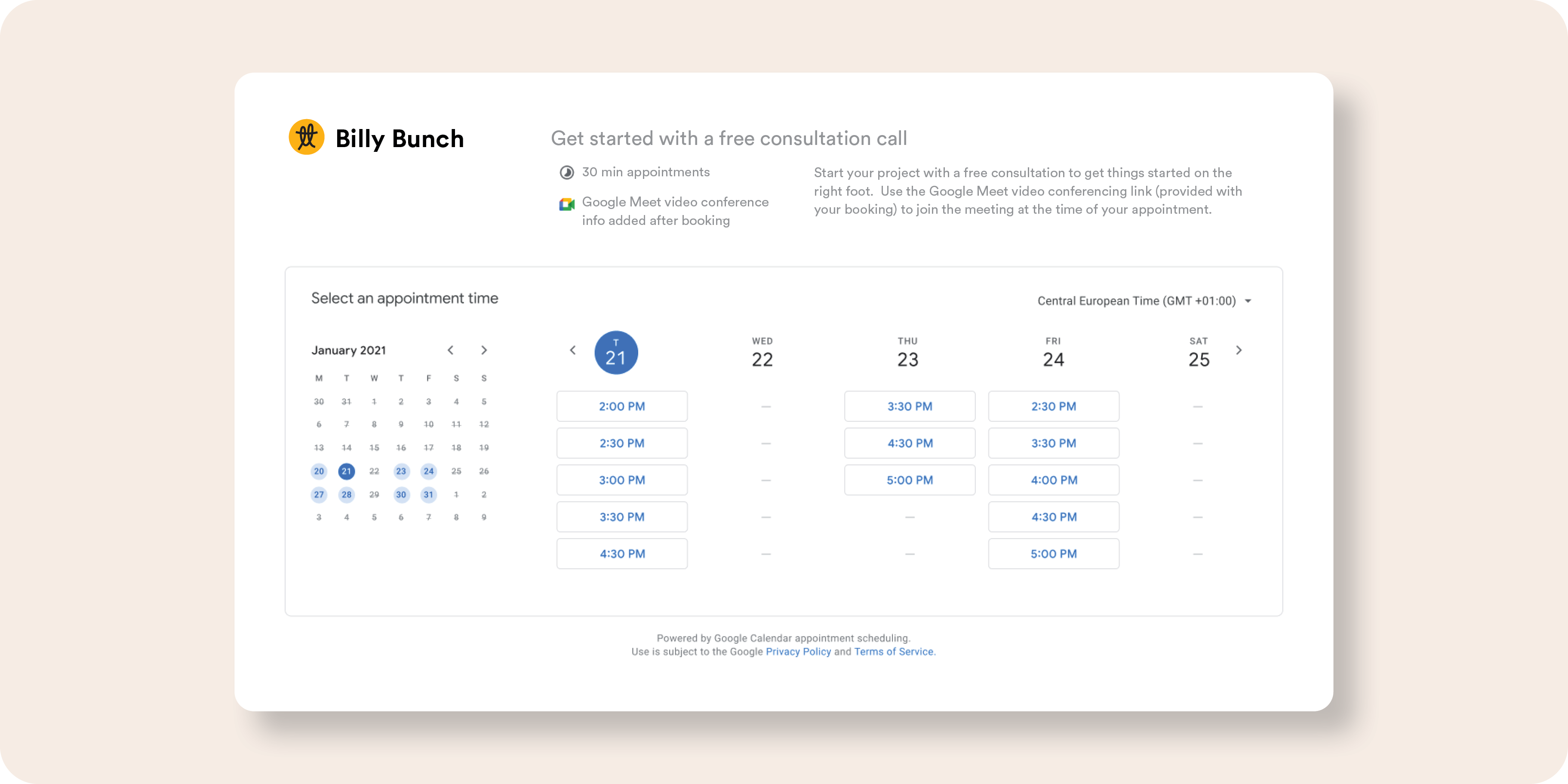
With a simple click on the blue booking button, potential clients can schedule appointments, reserve massages, or book spots in fitness classes—right when they discover your business online.
Simplifying sign-ups for business owners
Google makes it easy for business owners to integrate with scheduling partners (see below). You can sign up directly from your Google Business Profile account and add a booking button to your listing with a relatively low amount of effort.
Eligibility for the booking feature
Google Reserve is accessible to many businesses with primary or secondary categories related to: dining, activities, beauty, fitness, home services, and financial services.
However, there are strict criteria for eligibility:
- Physical location: Your business must have a physical location with an address matching one in the Google Maps database, or be a service area business participating in the Google Guaranteed or Google Screened programmes.
- Supported services: Only certain services in wellness, fitness, spa, beauty, and financial services are eligible.
Boosting your appointments with Google's booking system
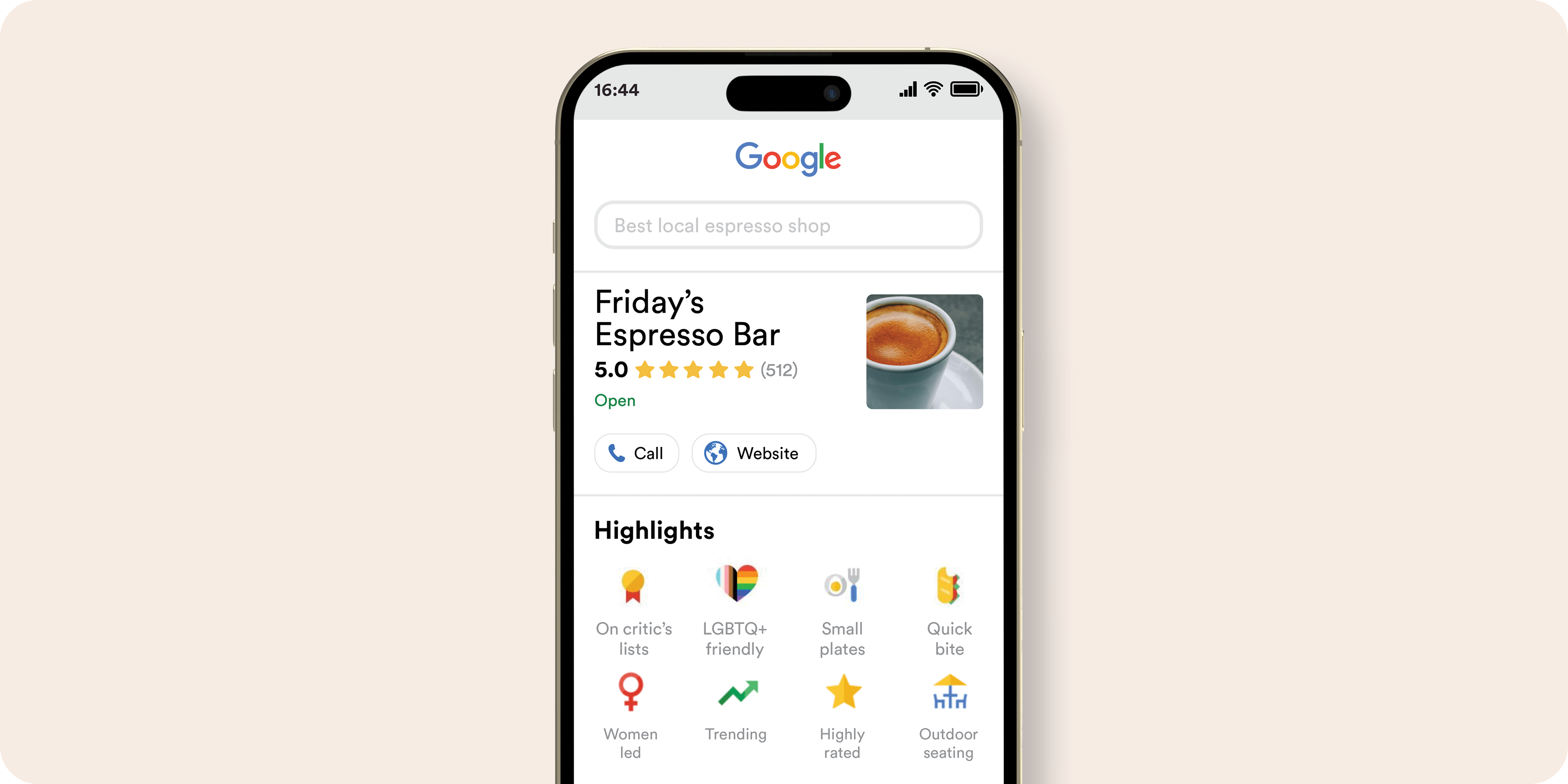
When potential customers search for a business or service online, they’re looking for the best option. A booking button can make your business stand out, allowing people to book appointments in less than a minute, directly through your profile listing. This convenience can turn searchers into customers - quickly, and efficiently. Plus, you can track the number of bookings directly from your Google Business dashboard.
Integration with third-party Platforms
Reserve with Google integrates with numerous third-party platforms. Here are some popular options:
- Appointy: Appointment management software for various business segments.
- Bookeo: Booking management software for service providers, schools, studios, and tour operators.
- Eat App: Restaurant reservation system.
- Fresha: Salon and spa booking system.
- HighLevel: Sales and marketing platform for various business types.
- Quandoo: Table reservation software.
- Square Appointments: Scheduling and PoS provider.
- Wellness Living: Scheduling for wellness businesses and fitness studios.
- Wix: CMS with multiple useful integrations.
How to set up your booking button
1. Sign up: Log in to your Google Business Profile. If you already have an account with a supported scheduling provider, your booking button is automatically added to your Google listing. If not, you'll need to sign up through the main screen.
2. Choose your provider: Enrol with a scheduling provider from Google’s list. Once enrolled, your account becomes eligible to accept bookings through Google. The booking button will appear on your listing within a few days.
3. Track bookings: Use Google Business Profile Analytics to monitor all bookings originating from Google.
Disabling Bookings
If you decide Reserve with Google isn’t right for your business, you’ll need to contact your scheduling provider to remove the link between your Google Business Profile and their scheduling solution.
Conclusion
Reserve with Google provides a powerful tool for businesses to offer online scheduling directly from search results, potentially increasing bookings and attracting new customers.
While it may not be suitable for all services, it’s worth exploring if your business fits the criteria and partners with a supported scheduling provider. Give it a try and see if it boosts your bookings through Google!
.png?width=120&height=121&name=CustomerHappy_V2%20(4).png)





.png?width=768&height=591&name=TeamBrainstorm_Blue%20(1).png)